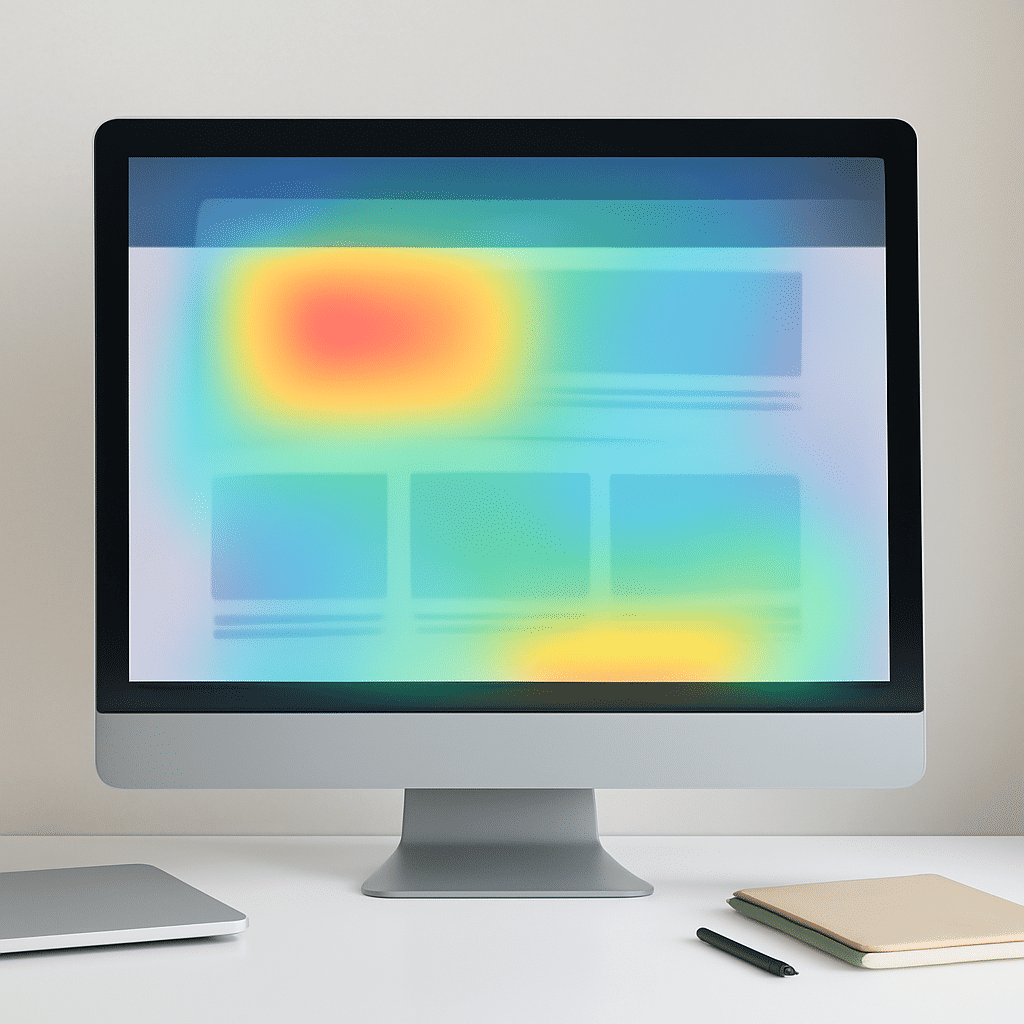
Visual hierarchy is an essential concept in crafting interfaces that effectively guide user interaction. At its core, visual hierarchy involves arranging design elements in a way that naturally directs a viewer's attention to the most important information first. This organization fosters an intuitive interaction with the content, thus enhancing overall user experience.
Principles of Visual Hierarchy
To leverage visual hierarchy effectively, designers use several principles that influence how the human eye perceives information. Here are some key elements:
-
Size and Scale: Larger elements often draw more attention than smaller ones. By varying the size of text, images, and buttons, designers can subtly indicate which pieces of information are most crucial.
-
Color and Contrast: Strategic use of color and contrast can highlight particular sections of an interface. Bolder and brighter colors tend to catch the eye first, while softer hues can recede into the background.
-
Typography: Font style, weight, and spacing can significantly affect readability and emphasis. Headlines are typically bold and prominent to signify importance, whereas body text is more subdued to facilitate easy reading.
-
Whitespace: Also known as negative space, whitespace helps prevent an interface from feeling cluttered. Adequate spacing between elements allows users to process information efficiently and focus on the content that matters.
-
Alignment and Proximity: Elements that are aligned and grouped closely together are perceived as related. This arrangement helps users make connections between similar or related pieces of information.
Implementing Visual Hierarchy
Effective implementation of visual hierarchy involves understanding the target audience and the context in which they'll engage with your interface. Here are some practical steps:
-
Identify Priorities: Determine what information or actions are most critical for users. This might be a call to action, a main feature, or key details that should stand out immediately.
-
Layout Design: Create wireframes that incorporate principles of visual hierarchy to arrange elements logically and intuitively. Experiment with different configurations to see what works best.
-
Testing and Iteration: User testing can reveal how people interact with the interface and what catches their attention first. Use insights gained from testing to refine and optimize your design.
Benefits of Visual Hierarchy
Utilizing visual hierarchy effectively leads to several benefits. It can decrease cognitive load, making it easier for users to find needed information quickly. Moreover, an intuitive and pleasant interface can enhance satisfaction, encouraging users to spend more time interacting with the content it presents.
In conclusion, understanding and applying the principles of visual hierarchy is crucial for creating interfaces that are both functional and engaging. By thoughtfully guiding attention and managing the flow of information, designers can significantly improve usability and the overall user experience.